
Reading, writing & language
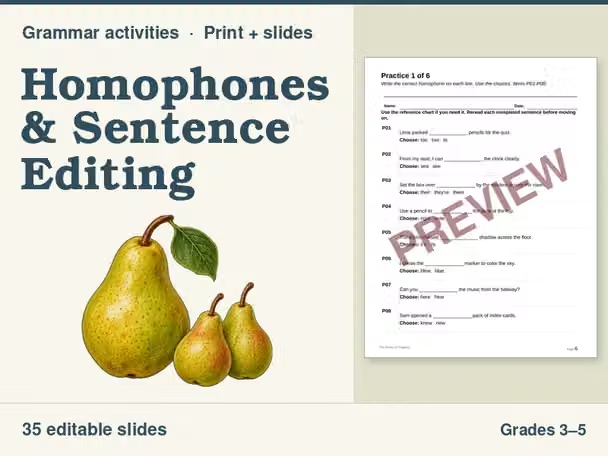
Homophones and Sentence Editing
- Grades 3–5
- Answer key included
- PDF · Slide deck
Single resource · Worksheets
Students use sentence meaning to choose between commonly confused words, explain their choices and edit homophone errors.
About this resource
Use the core packet for instruction, then choose no-choice editing or an advanced application activity as students gain independence. The digital student activity is supplied as an editable PowerPoint slide deck.
What’s included
- 30-page core packet with answer key
- 32-page student-only printable version
- 12-page no-choice editing bonus
- 14-page advanced application bonus
- 35-slide editable presentation (.pptx)
Worksheet preview
123 pages